AI Coding · Claude Code · Efficiency
Accenture capped Claude at $29 a month. Caps are the wrong fix for AI spend.
· 4 min read
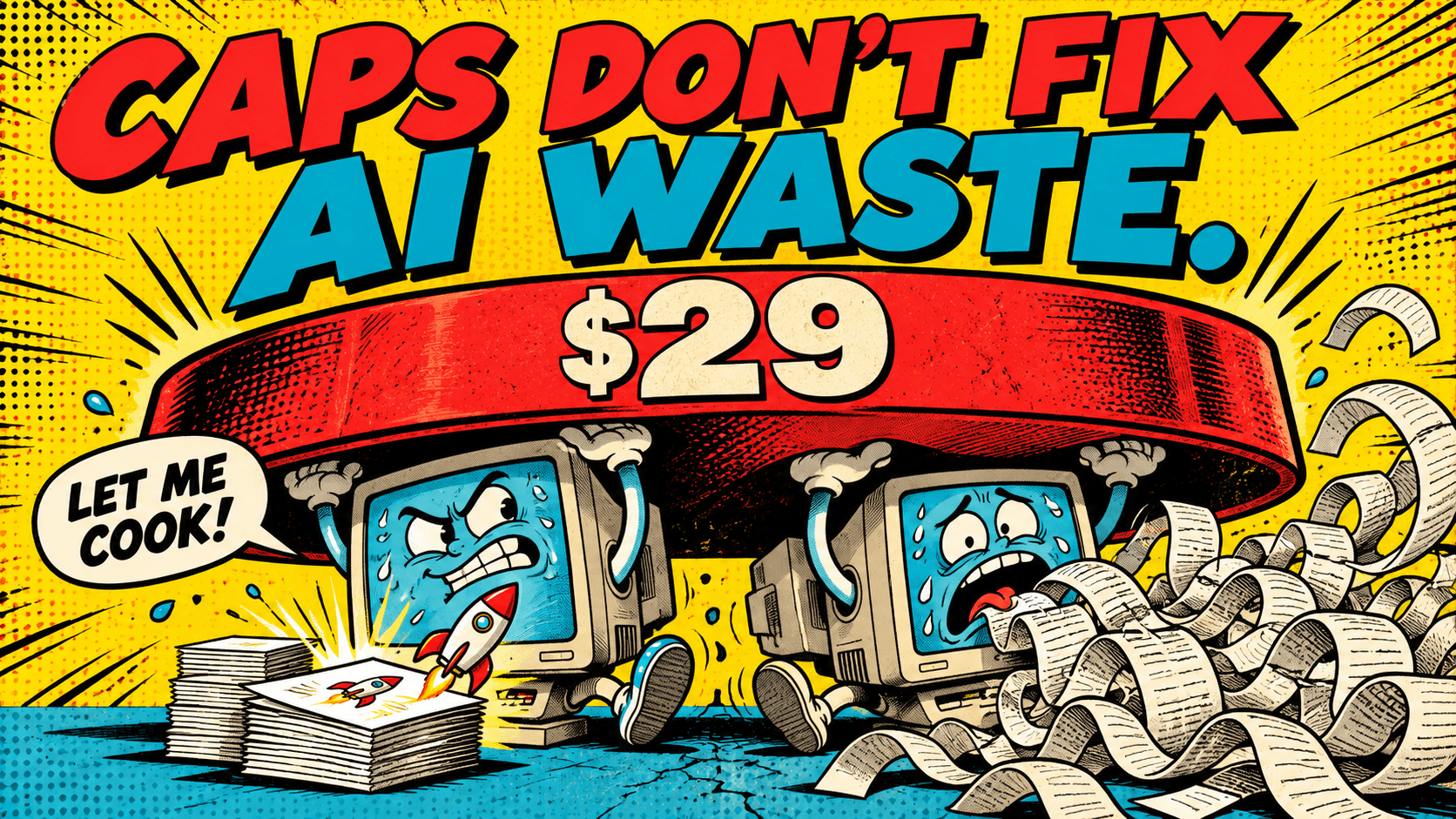
This week 404 Media reported that Accenture has told many of its employees it will now spend only $29 per person per month on Claude. Some of those employees had been spending as much as $1,000 a month, and they're reportedly scrambling to keep their work going.
Accenture isn't alone. 404 Media calls the wider trend the "Tokenpocalypse": companies rolled out AI tools, watched people burn through tokens, and are now pulling back.
I understand why. An AI bill that grows every month with no clear return is hard to defend. But a flat cap answers the wrong question.
What's inside a 34x gap
The difference between $29 and $1,000 is about 34x. That number should look familiar. Research from the Stanford Digital Economy Lab found that the same agent on the same task can cost up to 30 times more from one run to the next.
In other words, a big part of the spread in AI spend has nothing to do with how much work people do. It comes from how they work with the agent.
Look at two developers who each spend $1,000 a month:
- The first ships a month's worth of features. Their agents have clear project rules, simple jobs go to cheaper models, and they stop the agent the moment it heads the wrong way.
- The second pays the agent to rediscover the same codebase every morning, runs every prompt on the most expensive model, and lets sessions grow so long that each new turn re-reads a novel's worth of history.
Same bill. Very different value. A flat cap cuts them both by 97%.
Why caps backfire
They hit your best people hardest. Heavy users include the most productive people in the company. A cap can't tell them apart from the wasteful ones, so it slows down exactly the people who were getting the most out of AI.
They hide waste instead of fixing it. Under a tight cap, people ration, switch to personal accounts, or work around limits. The wasteful habits don't change. They just become harder to see.
They teach the wrong lesson. A cap says "use less AI." The lesson people actually need is "use it better." Those lead to very different places.
What actually drives AI coding spend
When you look at real sessions instead of invoices, the same patterns keep showing up.
1. Re-explaining the project every session
Without a good CLAUDE.md, every session starts from zero. The agent searches the codebase, reads the same files, and asks the same questions it asked yesterday. You pay for that rediscovery every day.
2. The most expensive model for every job
Drafting an email, translating a message or finding a file doesn't need the strongest model. Sending simple, well-defined work to a cheaper model through subagents can cut the cost of those tasks dramatically with no loss in quality.
3. Sessions that never end
Every turn in a session carries the conversation so far. A session that runs all day across five unrelated tasks gets slower and more expensive with every message. Starting fresh for a new task is one of the cheapest habits there is.
4. Exploration in the main session
Searching a codebase means reading many files that turn out not to matter. Done in the main session, all of that text stays in the context for the rest of the conversation. Done by a read-only helper agent, only a short report comes back.
5. Drift caught too late
The most expensive minutes are the ones where the agent heads the wrong way and nobody notices. Twenty minutes of edits built on a wrong assumption cost tokens to write and more tokens to undo.
6. Rework from skipped checks
Code that wasn't tested gets fixed later, in another session, at full price. Asking the agent to run the tests before calling a task done is cheaper than paying twice.
None of these habits mean using AI less. Most of them mean the same work for a fraction of the tokens.
What to do instead of a flat cap
If you run an engineering team and the AI bill is keeping you up at night, here is a better path.
Measure cost per outcome, not cost per person. The question isn't "who spends the most?" It's "where does spend turn into shipped, working code, and where does it leak?"
Look at how sessions run. Invoices tell you how much was spent. Sessions tell you why: re-explained context, wrong model choices, runaway sessions, late-caught drift.
Fix habits before cutting budgets. Most waste comes from a handful of patterns that are quick to fix. A shared CLAUDE.md, a few subagents for routine jobs and a "fresh session per task" rule can bring spend down without slowing anyone.
Set budgets from evidence. Once you know who turns tokens into results, budgets can follow value. Your most effective people may deserve more room, not less.
How we keep our own spend honest
We build with Claude Code and Codex every day, so we watch our own token use closely. A few rules we follow:
- We review sessions, not just the bill. Once a week we look at our most expensive sessions and ask what drove the cost. It's almost never the hard problem; it's usually context we forgot to give or a session that ran too long.
- Every repeated correction becomes a rule. If we correct the agent for the same thing twice, it goes into
CLAUDE.md. - Simple jobs go to small models. Emails, translations and code search run on cheaper subagents. The strongest model is for design, debugging and review.
- One task, one session. When the task changes, the session does too.
- We re-check after every change. A habit only counts as fixed once the next week's sessions show it.
The real lesson from Accenture
Accenture's cap is a symptom of a gap almost every company has: they spend more on AI every quarter and still can't tell who uses it well, who is burning tokens, or what good even looks like.
Cutting the budget makes the bill smaller. Seeing how people actually work with AI makes the spend worth it.
Try Vibemetric to see how efficiently you work with Claude Code and Codex, and what to change.